Posted : 2026-06-18
Choose Your Style: A More Personal Way to Experience the PremiumTrust Mobile App
Digital banking is evolving rapidly, and so are customer expectations.
Today’s users don’t just want convenient access to financial services; they expect a banking experience that easily adapts to their needs, preferences, and lifestyle. Research continues to show a clear shift: customers now value personalisation just as much as functionality, from digital apps to our mobile phones.
This insight led to a simple but important question: How do we move from a one-size-fits-all experience to something more intentional and user-focused?
The result is the upgraded PremiumTrust Mobile App, now introducing personalised layouts designed around you.
Because no two customers are the same, your banking experience shouldn’t be either.
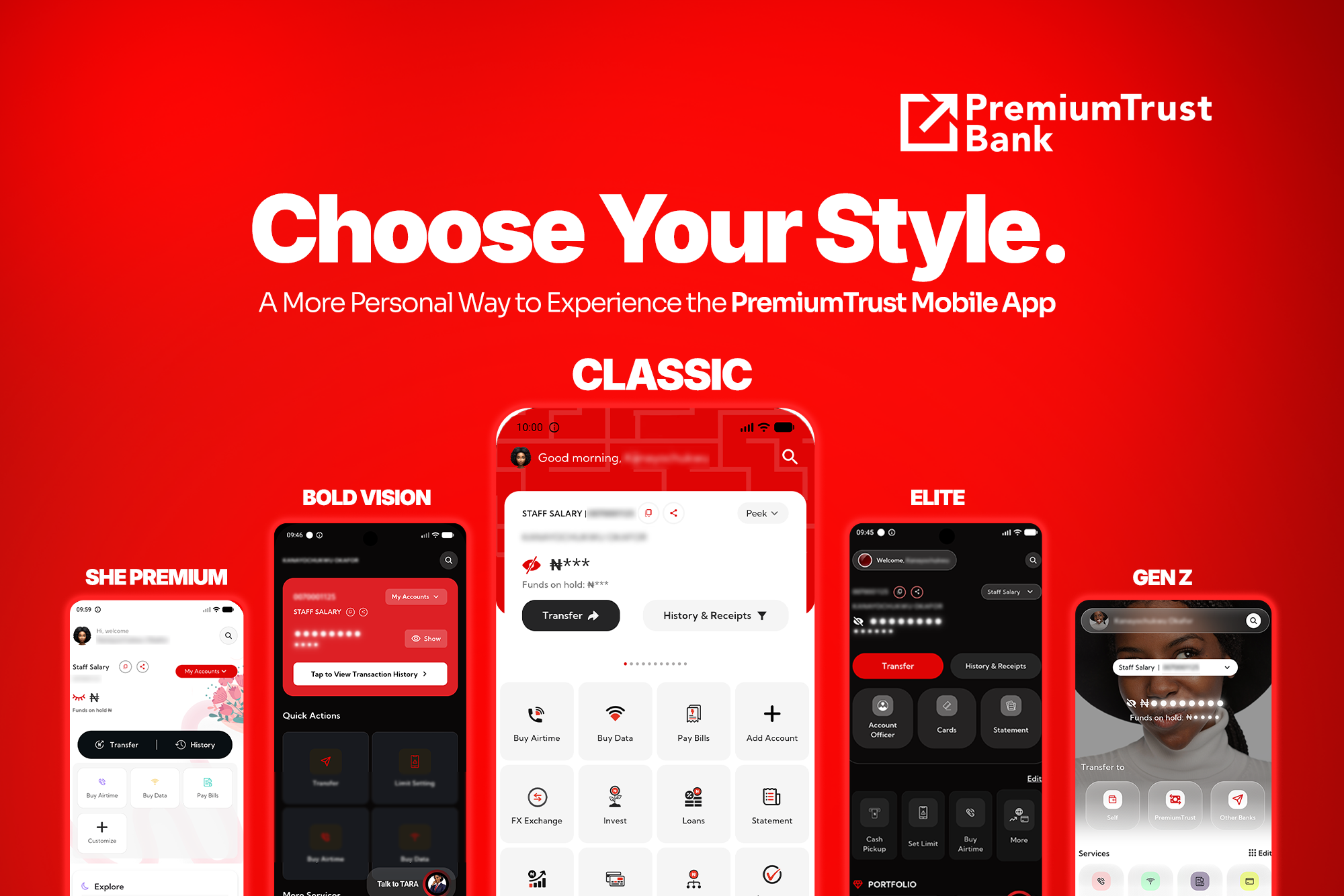
With five distinct layouts, you can now choose a digital banking interface that reflects your lifestyle, preferences, and financial mindset.
Five Ways to Experience Your Banking App
The PremiumTrust Mobile App now offers four distinct layouts, each designed to reflect a different user style and financial mindset.
- Elite offers a clean, structured, and premium interface for customers who prefer simplicity and clarity in their banking experience.
- Gen Z delivers a bold, modern, and dynamic design built for users who want a fast-paced digital experience that matches their lifestyle.
- SHE Premium combines elegance and usability, offering a refined interface designed for seamless everyday banking.
- Bold Vision is built for focus and ambition, supporting users who want a clear, goal-driven financial experience.
- Classic mode for customers who value familiarity.
Each layout maintains the same secure banking functionality. The difference is in how it feels to use it.
With this update, you can:
- Personalise the look and feel of your banking interface.
- Choose a layout that reflects your preferences and lifestyle.
- Switch between layouts at any time.
- Enjoy improved ease of navigation.
This is part of a broader shift in banking: moving from functional platforms to user-centric digital experiences.
How to Change Your Layout
Switching your app layout takes just a few steps:
- Log in to the PremiumTrust Mobile App
- Tap the profile icon.
- Select Configuration
- Choose Change App Layout
- Select your preferred layout.
- Apply changes instantly
If you are unsure where to start, here is a simple guide:
- Prefer structure and simplicity → Elite.
- Prefer bold, modern design → Gen Z.
- Prefer elegance with usability → SHE Premium.
- Prefer a goal-oriented experience → Bold Vision.
- Prefer familiarity → Classic Mode.
Each option is designed to support different preferences while maintaining a consistent, secure banking experience.
With the PremiumTrust Mobile App, users are no longer limited to a single interface. They can now choose a layout that reflects how they think, plan, and manage their money.
Banking should not feel generic.
It should feel intentional, and that’s what the upgraded PremiumTrust Mobile App has to offer.
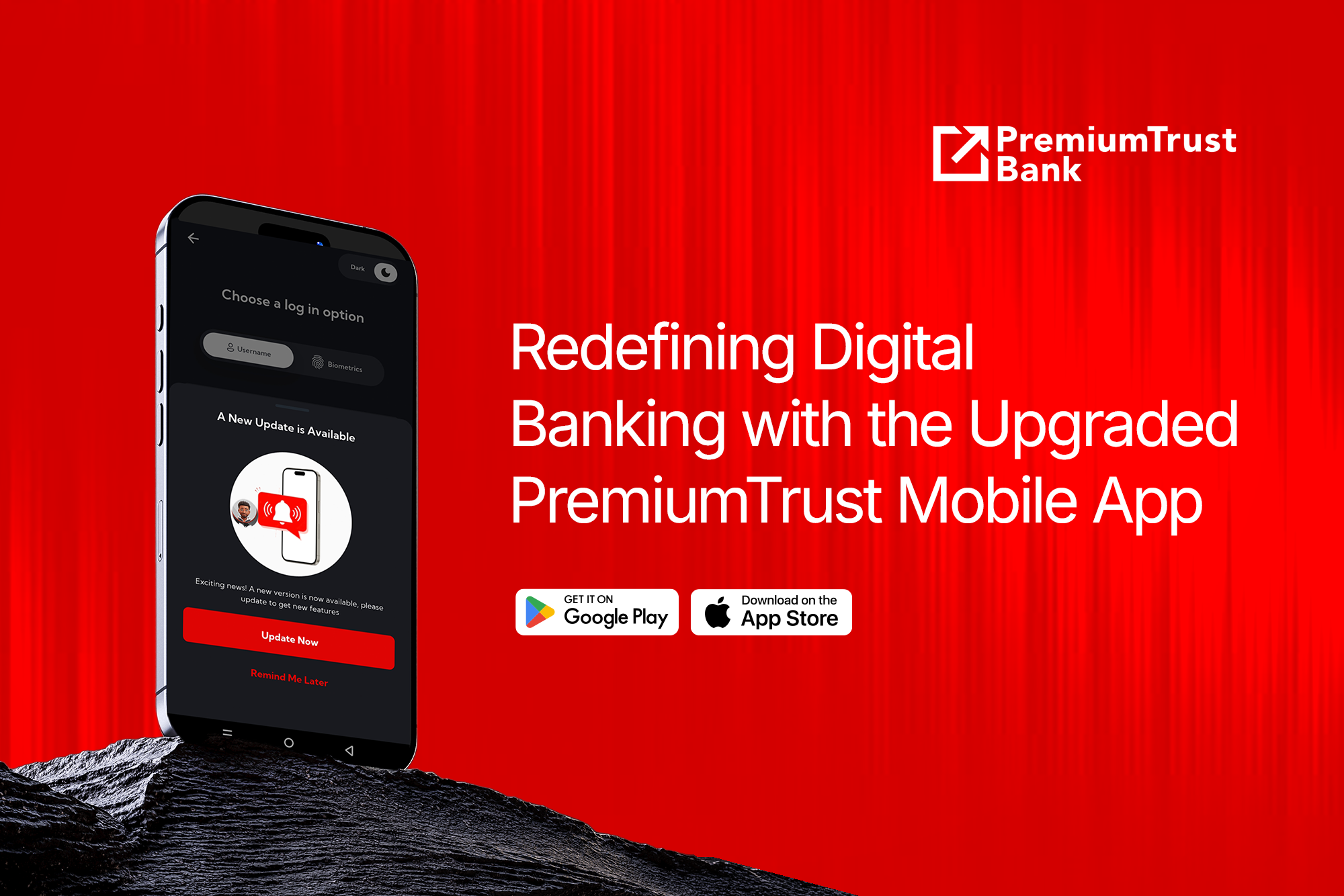
Download the PremiumTrust Mobile App and get started.

 Plot 1612 Adeola Hopewell Street Victoria Island,
Lagos State, Nigeria.contactpremium@premiumtrustbank.com
Mobile : 0700PREMIUM (07007736486)
Landline : 02013302777
Our Company
Help and Security
-
 Licensed by the Central Bank of Nigeria


